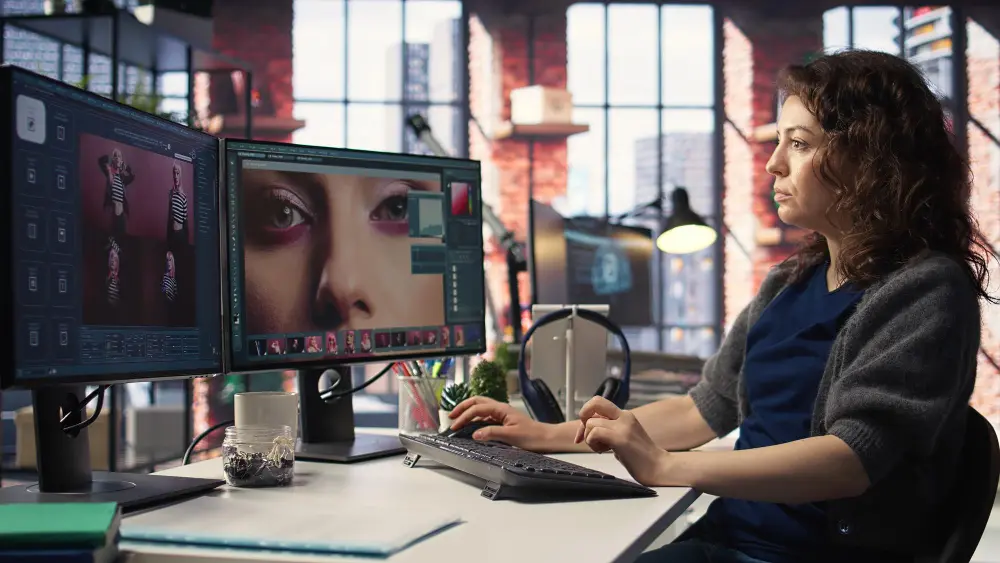
Artificial intelligence is changing how creators develop ideas, design visuals, produce videos, edit audio, and publish content online. Whether you are a YouTuber, blogger, graphic designer, podcaster, photographer, or social media influencer, AI tools for creators can help you save time and improve your creative workflow.
Tasks that once required several applications or hours of manual work can now be completed more efficiently with AI-assisted writing, image generation, video editing, and audio production. However, no single tool is best for every creative task. The right choice depends on your content format, budget, skill level, and publishing goals.
In this guide, we explore the best AI tools for creators, explain their main benefits, and show how to use them to create engaging content while preserving your own style and originality.
What Are AI Tools for Creators?

AI tools for creators are software applications that use artificial intelligence to support creative work. They can help generate ideas, draft scripts, create illustrations, edit videos, produce voiceovers, improve photographs, and adapt existing content for different platforms.
Content creators can use these tools to:
- Generate ideas for YouTube videos, blogs, and social media posts.
- Write scripts, captions, headlines, and content outlines.
- Create images, thumbnails, illustrations, and marketing graphics.
- Edit videos and automatically generate captions.
- Clean up recordings and produce voiceovers.
- Turn long-form content into shorter clips.
- Repurpose one piece of content across multiple platforms.
- Streamline repetitive production tasks.
The main advantage is not simply producing more content. It is spending less time on repetitive work and more time on storytelling, creative decisions, and audience engagement.
10 Best AI Tools for Creators
| Tool | Primary Purpose | Best For |
| ChatGPT | Brainstorm ideas, write scripts, develop outlines, generate captions, refine drafts. | Bloggers, YouTubers, copywriters, social media creators |
| Canva | Create thumbnails, social media posts, presentations, posters, and graphics. | Instagram creators, marketers, small businesses, beginners |
| Adobe Firefly | AI-assisted image generation and editing for visual concepts and creative assets. | Designers, advertisers, digital artists, visual content creators |
| Midjourney | Generate stylized and distinctive images from text prompts for concept art and visuals. | Digital artists, concept designers, illustrators |
| Descript | Transcription-based editing for recorded audio and video, captions, and audio cleanup. | Podcasters, educators, interviewers, talking-head YouTubers |
| CapCut | Short-form video editing with auto-captions, transitions, and AI effects. | Short-form video creators, mobile editors, beginners |
| ElevenLabs | AI voice generation for narrating explainers, audio versions, and voice tracks. | Narration channels, audiobooks, explainers, multilingual content |
| Runway | Generative video creation and editing for visual storytelling and promotion. | Filmmakers, video artists, advertisers |
| OpusClip | Identify and generate short clips from long-form video content for social media. | Podcasters, streamers, interview channels |
| Perplexity | Research unfamiliar subjects, discover sources, and gather facts with citations. | Educational creators, bloggers, journalists, researchers |
These tools serve different purposes rather than competing to perform exactly the same job. Recent creator-tool comparisons similarly recommend selecting a small collection based on the specific stages of production a creator needs to improve.
A Simple AI Content Creation Workflow
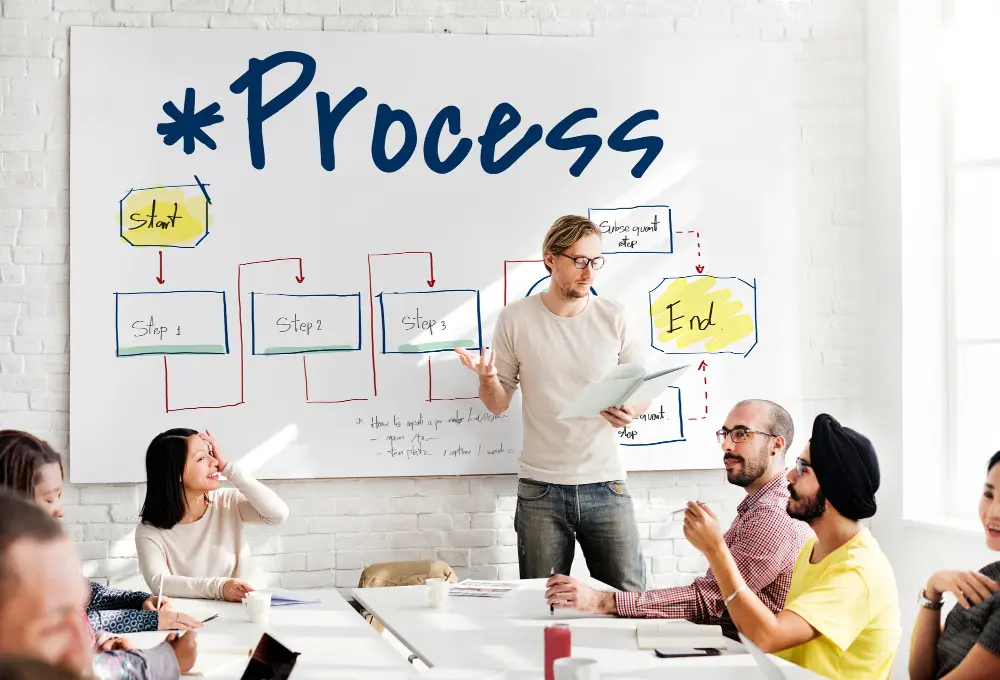
You do not need ten applications to create high-quality content. A clear process with a few complementary tools can be more effective.
Step 1: Plan your content
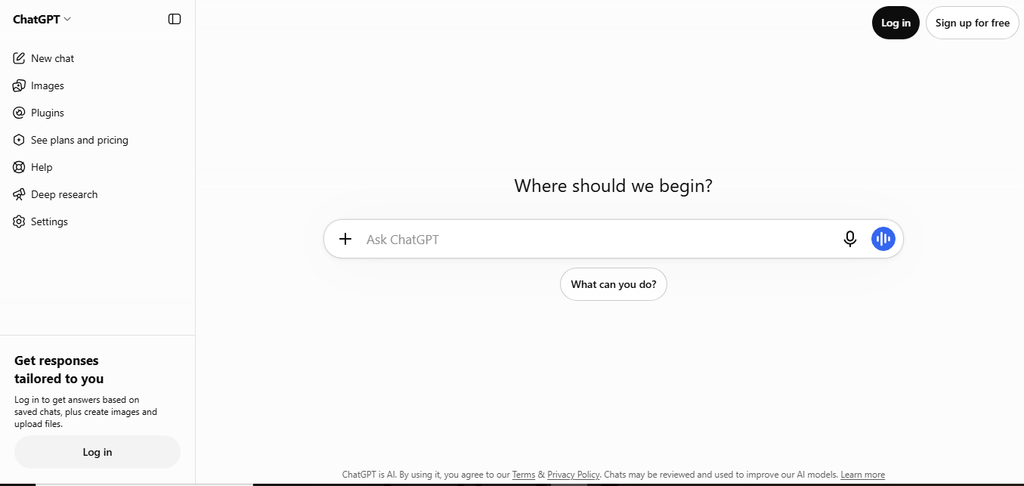
Use ChatGPT to define your audience, develop ideas, and create a script or outline.
Step 2: Research and verify
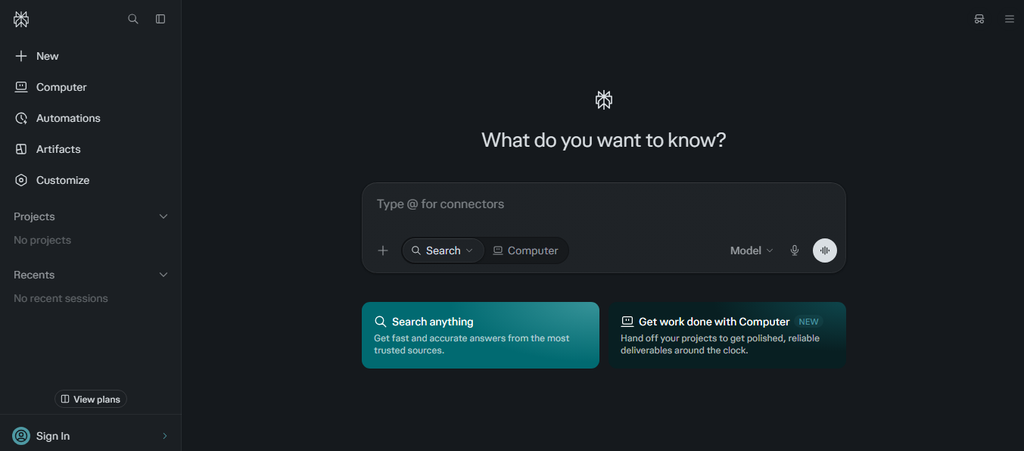
Use Perplexity or reliable primary sources to check facts, statistics, and important claims.
Step 3: Create your assets
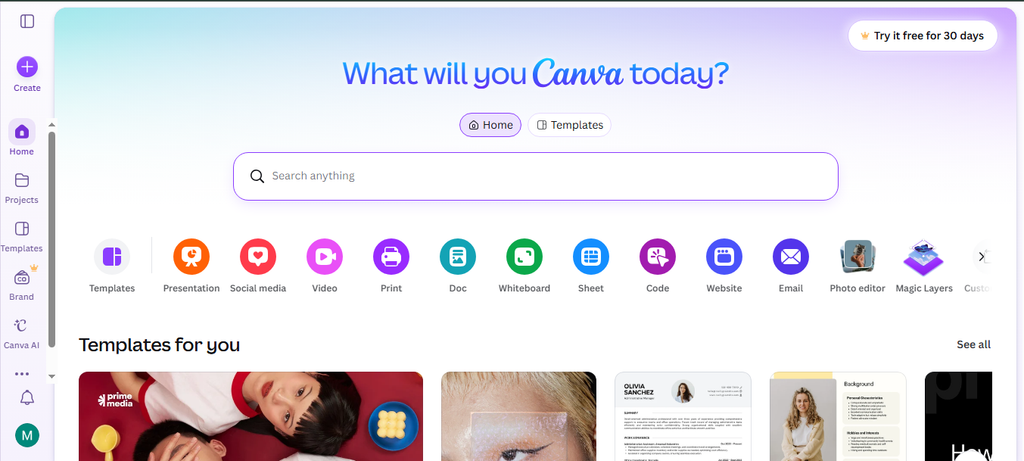
Use Canva or an image-generation tool for visuals, or record your own footage for video content.
Step 4: Edit and refine
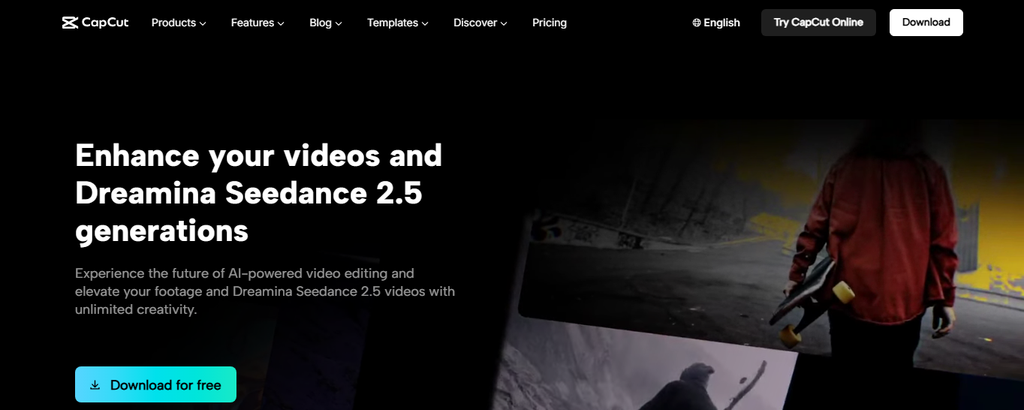
Use CapCut or Descript for editing, then review the sound, captions, pacing, and overall quality.
Step 5: Review before publishing
Check accuracy, originality, copyright and licensing requirements, and any applicable platform disclosure rules.
Common Mistakes to Avoid When Using AI for Content Creation
AI can accelerate production, but using it without editorial judgment can undermine the quality and trustworthiness of your content.
Publishing without fact-checking: AI-generated scripts may contain incorrect facts, fabricated details, or outdated information. Verify important claims before publication.
Losing your unique voice: Generic prompts can produce generic content. Add your own experiences, opinions, humor, expertise, and storytelling.
Ignoring copyright and permissions: Review the licensing terms for generated assets, music, footage, and uploaded material. Obtain consent before using someone’s likeness or cloning their voice.
Prioritizing quantity over quality: Publishing more often does not guarantee better audience engagement. Make each piece useful, relevant, and appropriate for your audience.
Ignoring platform policies: Social platforms may require labels for certain AI-generated or manipulated content. Policies can differ by platform and change over time, so check the rules that apply to your content.
Frequently Asked Questions About AI Tools for Creators
Which AI tool is best for content creators?
ChatGPT is a versatile starting point for brainstorming and scripts. Canva is useful for design, CapCut for short-form editing, Runway for generative video, and ElevenLabs for voiceovers. The best option depends on your main creative task.
What is the best free AI tool for creators?
There is no universal winner. Canva, ChatGPT, and CapCut are useful starting points because they support common parts of the creative workflow. Check their current free features and limitations before choosing.
Can AI tools help YouTubers grow their channels?
AI can help YouTubers brainstorm topics, refine scripts, create thumbnails, edit recordings, and repurpose videos. However, growth still depends on audience interest, originality, storytelling, consistency, and the value of the finished content.
Can AI-generated content be monetized?
Potentially, yes. Monetization depends on the platform’s policies, the originality and quality of the content, and the rights associated with the assets used. Review the applicable platform rules and tool licensing terms before publishing commercial content.
Do creators need multiple AI tools?
Not necessarily. Many creators can begin with one writing assistant and one primary creation or editing tool. Add more applications only when a clear need arises, such as voice generation, advanced image creation, or automatic video clipping.
Final Thoughts
The best AI tools for creators are those that support your creative process without replacing your judgment or personal style.
For a simple starting setup, choose ChatGPT for ideas and writing, Canva for graphics, and CapCut for video editing. Add specialist tools such as Midjourney, Runway, Descript, or ElevenLabs when your projects require capabilities beyond that basic workflow.
Most importantly, treat AI as a creative partner, not an automatic content factory. Use it to explore possibilities, remove repetitive tasks, and experiment with new formats while keeping your own ideas, standards, and audience at the center of everything you publish.